Pagpepresyo

Ang pinaka-advanced na work operating system para sa mga abalang propesyonal at modernong mga team.

Libre

Tamang-tama para sa mga mag-aaral at mga hobbyist na patungo sa pagiging mas produktibo.

Libre magpakailanman
Key Features

Mga gawain, kalendaryo, tala at contact

Mga custom na uri

Likas na wika

Unlimited integrations

Pakikipagtulungan

Offline na mode

Propesyonal

Ang productivity assistant ng mga executive, freelancer at managers.

$10 bawat upuan/buwan kanselahin anumang oras
Key Features

AI meeting notes

Widget ng menu bar

Pagsubaybay sa oras

Kontekswal na pagkuha

30-araw na kasaysayan

Premium na suporta

negosyo

Ang productivity suite para sa pinakamabisang team sa buong mundo.

$15 per seat/monthcancel anytime
Book demo
Unlimited AI
Key Features

Mga workspace

Kontrol sa pag-access

AI agents

Pag-bersyon

90-araw na kasaysayan

Priyoridad na suporta

Enterprise

Para sa higit pang kontrol at seguridad sa iyong buong organisasyon.

Contact us-
Key Features

Walang limitasyong kasaysayan

Pagsunod

Mga log ng pag-audit

Analytics

Paglalaan ng user

Tagumpay na tagapamahala

Testimonials

What our customers are saying

Underrated productivity apps IMO 👀 — @NotionHQ — @Todoist — @RoutineHQ
Francesco D'AlessioLogo ng X/Twitter

Francesco D'Alessio

Tagapagtatag @ ToolFinder
Sa totoo lang medyo nalilibugan ako sa @routinehq. Nakakapanibago na makakita ng ilang inobasyon sa pang-araw-araw na kategorya ng app ng planner. Mayroong isang toneladang potensyal dito. Ang pamamahala ng gawain ay pamamahala ng oras.
Sean OliverLogo ng X/Twitter

Sean Oliver

Nahuhumaling sa Produktibidad
Pinagsasama ng routine ang mga gawain, pamamahala sa kalendaryo, at dokumentasyon sa isang UI na nagbibigay-daan sa pinakamainam na pagpaplano sa bawat linggo. Ang aking paboritong tampok ay ang dashboard, kung saan maaari kong mabilis na makuha ang mga bagay na kung hindi man ay mahuhulog sa mga bitak.
Mathias Rhein

Mathias Rhein

Scientist, Educator at Coach
Sinubukan ko ang tungkol sa bawat app sa market sa nakalipas na sampung taon, at sa unang pagkakataon, nananatili ako sa isa pagkatapos gamitin ang Routine sa nakalipas na dalawang buwan. At gusto ko ang pagsasama sa Google Calendar at Google Tasks.
Clement CazalotLogo ng ProductHunt

Clement Cazalot

Managing Director sa Techstars Boston
Gustung-gusto ang Routine - at hindi lamang para sa magandang hitsura nito!
Reshma KhilnaniLogo ng ProductHunt

Reshma Khilnani

Visiting Partner sa Y Combinator
Mahusay na app! Nagbibigay ito ng maraming istraktura sa aking trabaho at tinutulungan akong pamahalaan ang aking oras nang mas mahusay!
Eliott JabesLogo ng ProductHunt

Eliott Jabes

Founder at CEO sa Stockly

Mga tampok

Libre
Libre
Magsimula
Propesyonal
$10 per seat/month
Magsimula
negosyo
$15 per seat/month
Book demo
Enterprise
Makipag-ugnayan sa amin
Book demo
Core
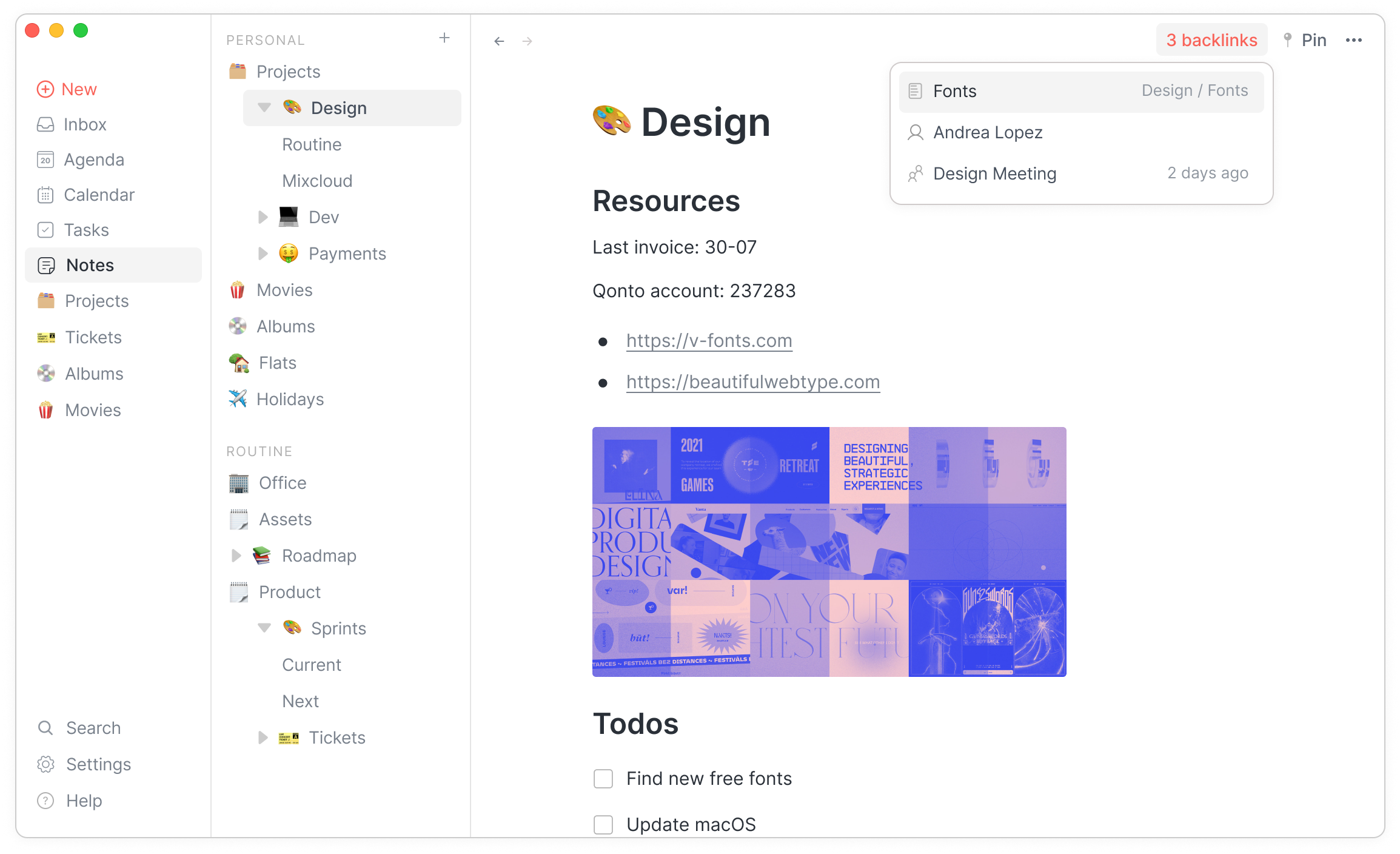
Mga backlink
Mga Sanggunian na Backlink
Easily visualize which items are referencing an object.
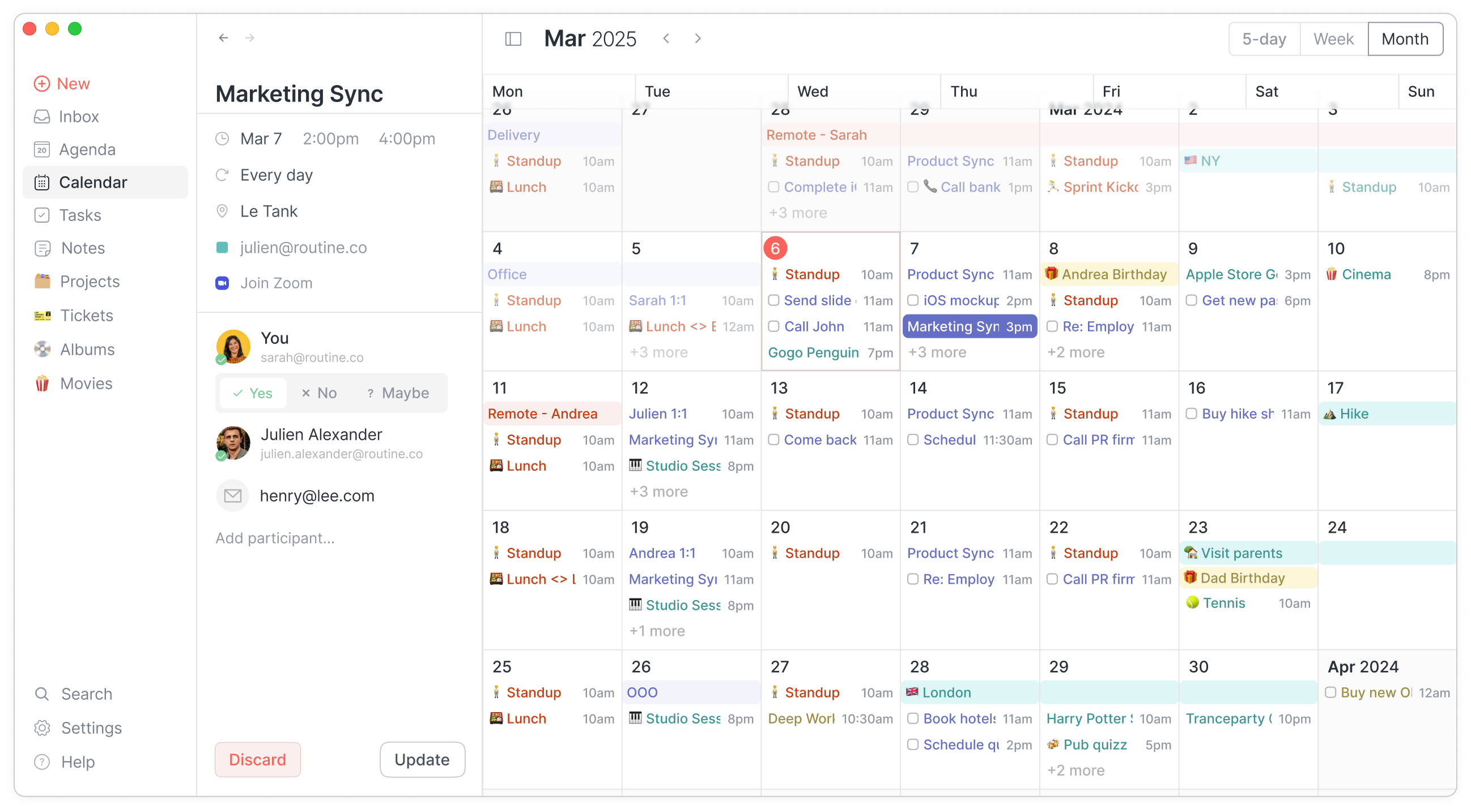
Mga layout ng kalendaryo
View ng Kalendaryo - Buwan
Display events through various layouts: 5-day, weekly & monthly.
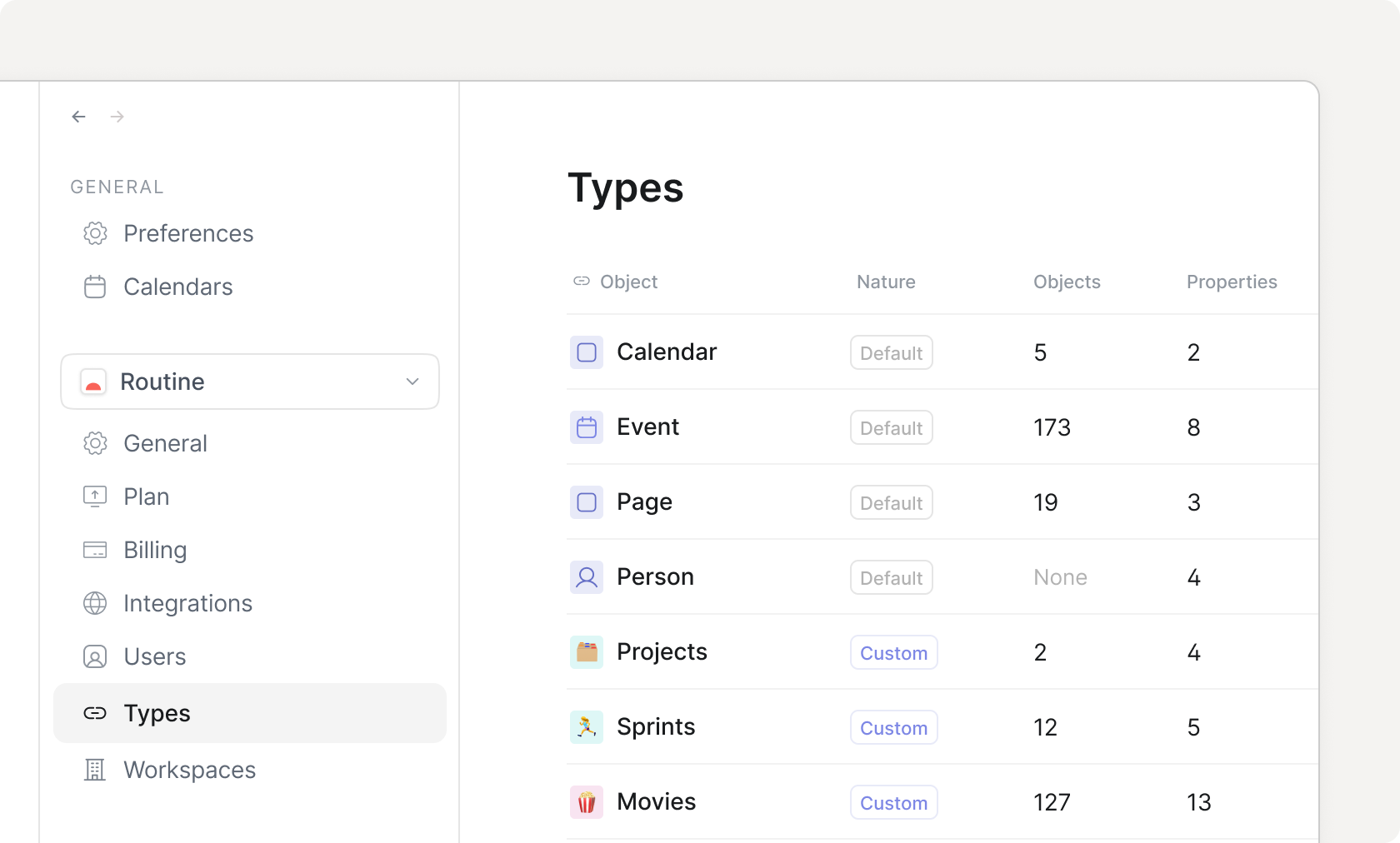
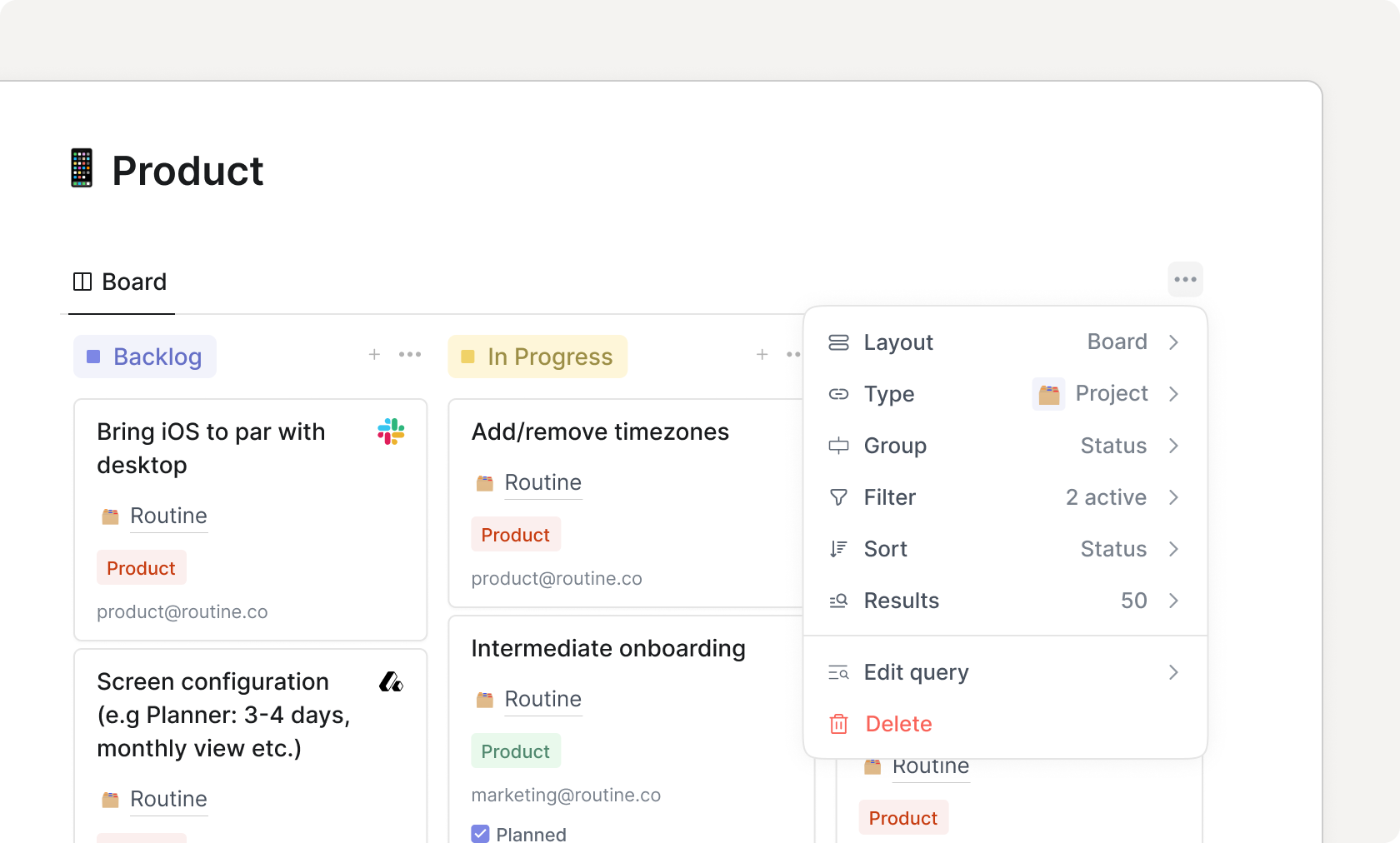
Mga custom na uri
Home Custom Types
Define your own data model through custom types with properties, relations etc.
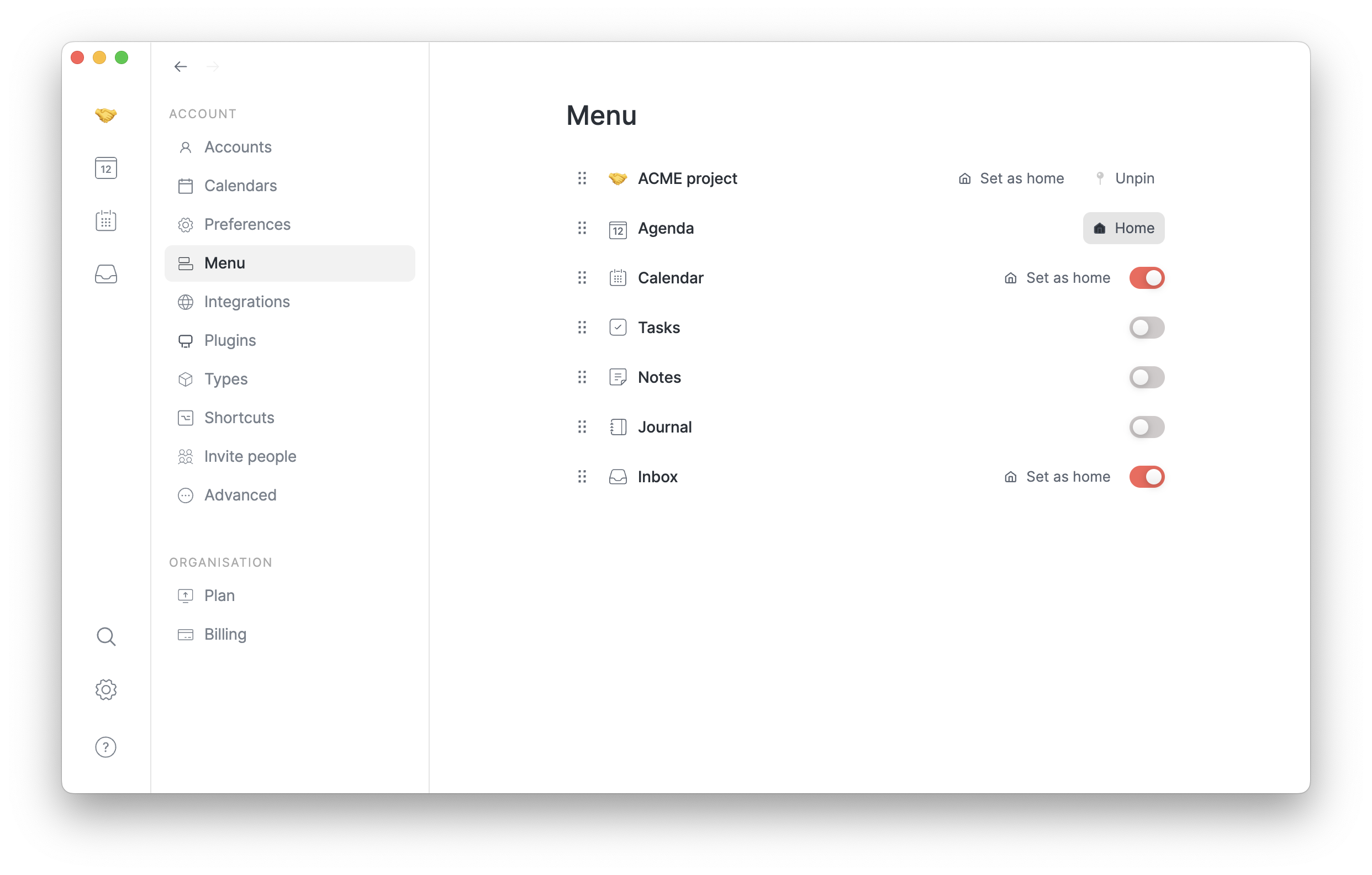
Nako-customize na menu
Customize the menu to display and access only the screens that matter to your workflow and hide the rest.
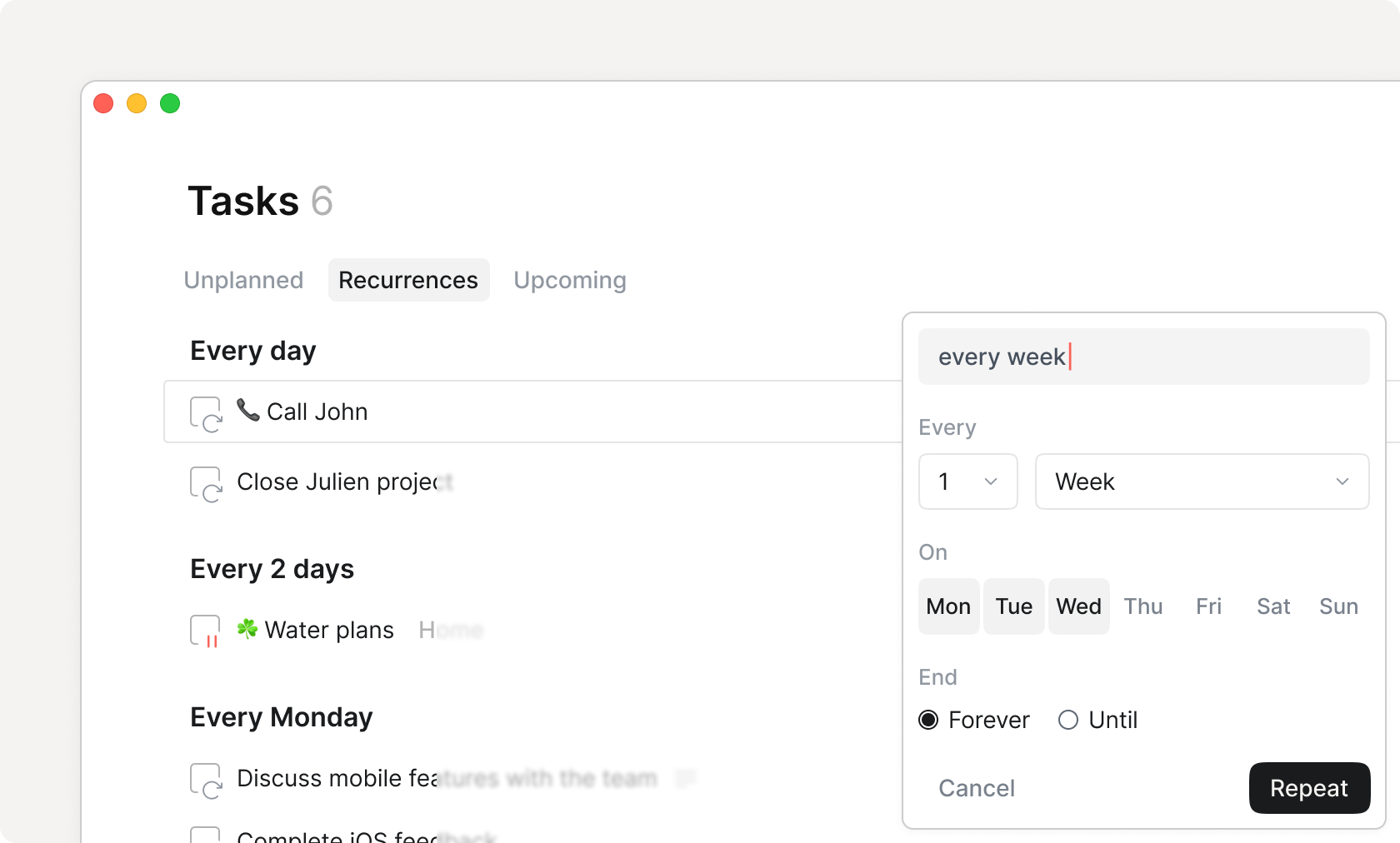
Mga pag-uulit
Home Tasks Recurrences
Create repeating actions, from tasks, reminders and more.
Pag-redirect
Pag-redirect ng Console
Quickly organize the items that you create through the Dashboard.
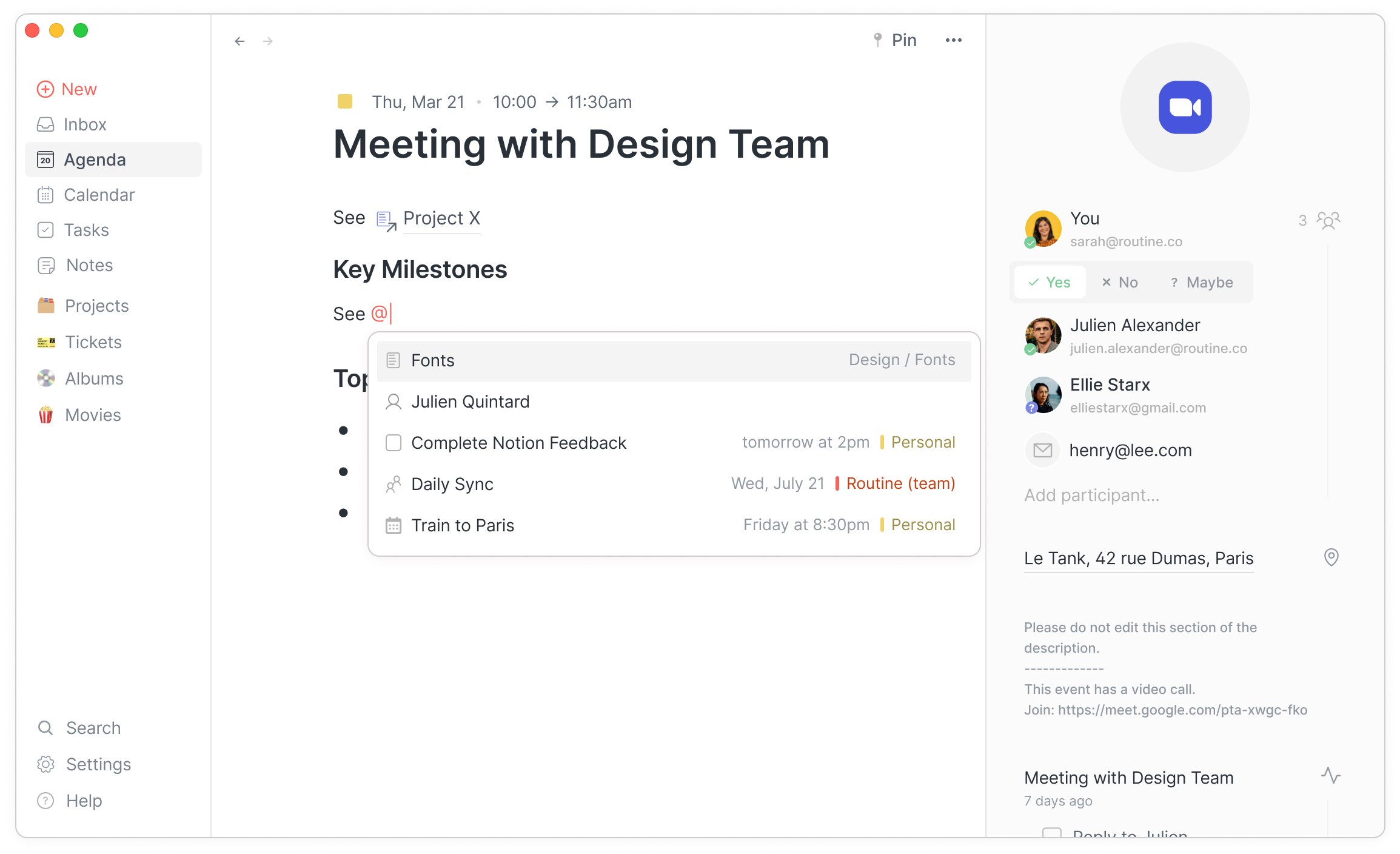
Mga sanggunian
Mga Sanggunian sa Kaganapan
Create links and backlinks between your objects and notes.
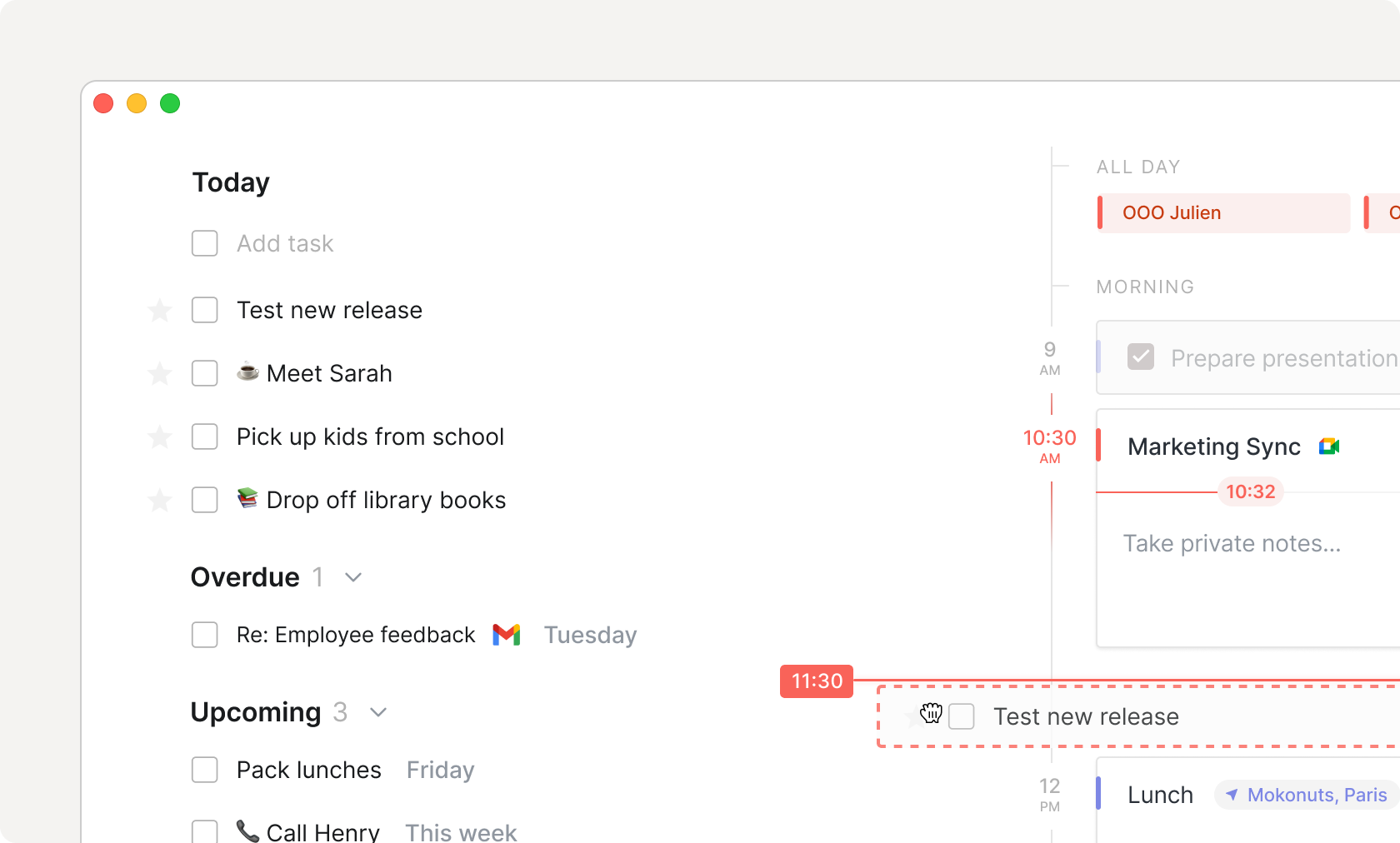
Pag-block ng oras
Home Agenda Time Blocking
Drag your tasks in your calendar to block time.
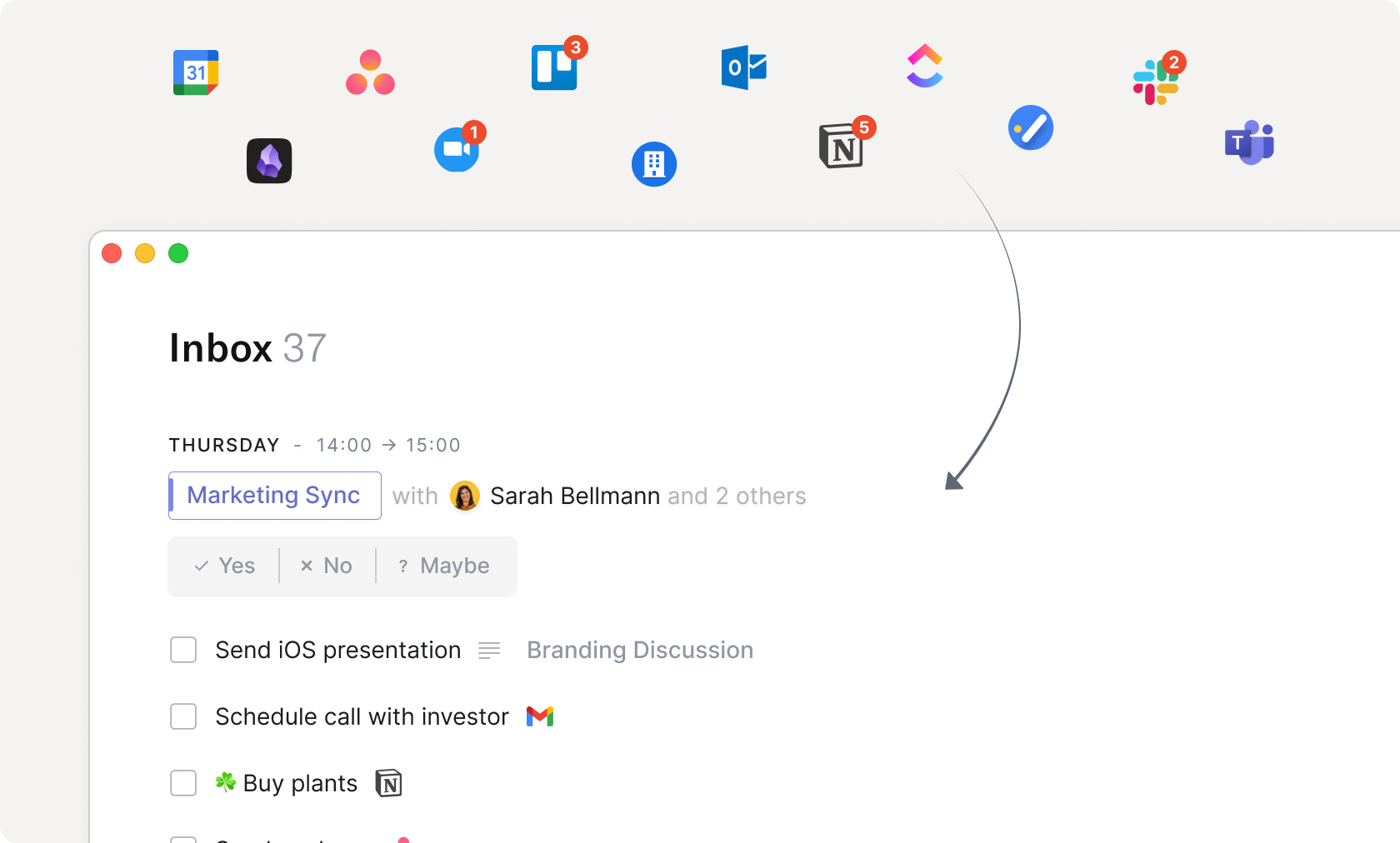
Pangkalahatang inbox
Home Inbox Integrations
Centralize all your work in a unified inbox: meetings, integrations, tasks and more.
Mga view
Home Views
Build visualizations (group, filter, sort etc.) on your data, no matter where it comes from.
Templates soon
Pagsasalin
Visualize objects & blocks from another source directly in your notes.
malapit na
Timer ng Pomodoro
Menubar Pomodoro
Start Pomodoro sessions to focus on one task at a time.
Mga timer
Home Menu Bar Widget
Start a task-specific timer and automatically record in your calendar how much time you spent on it.
Automations soon
Mga canvases
Visually compose your own custom screens with widgets, views, buttons and more.
malapit na
Commands soon
AI
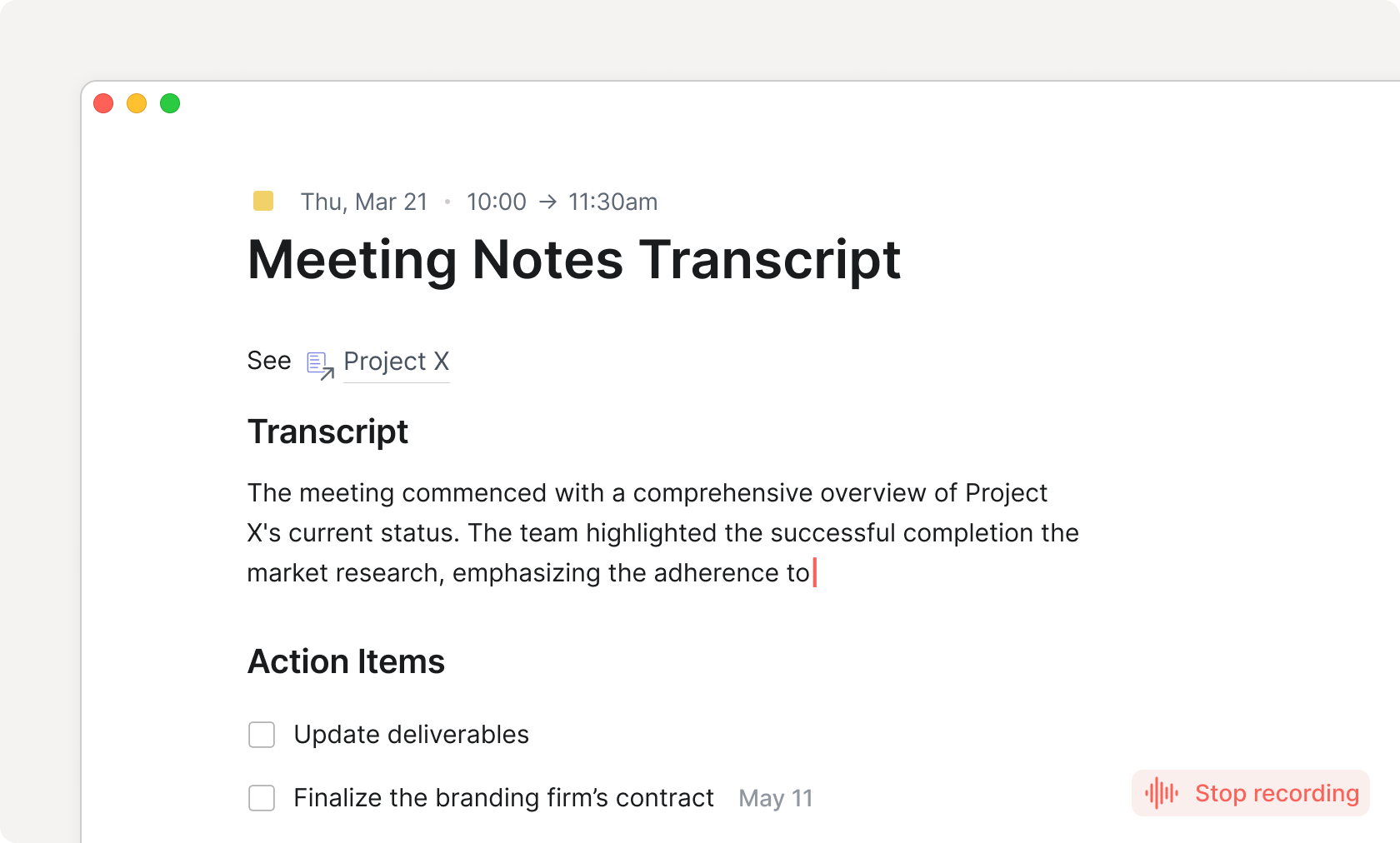
AI meeting notes
Home AI Meeting Notes
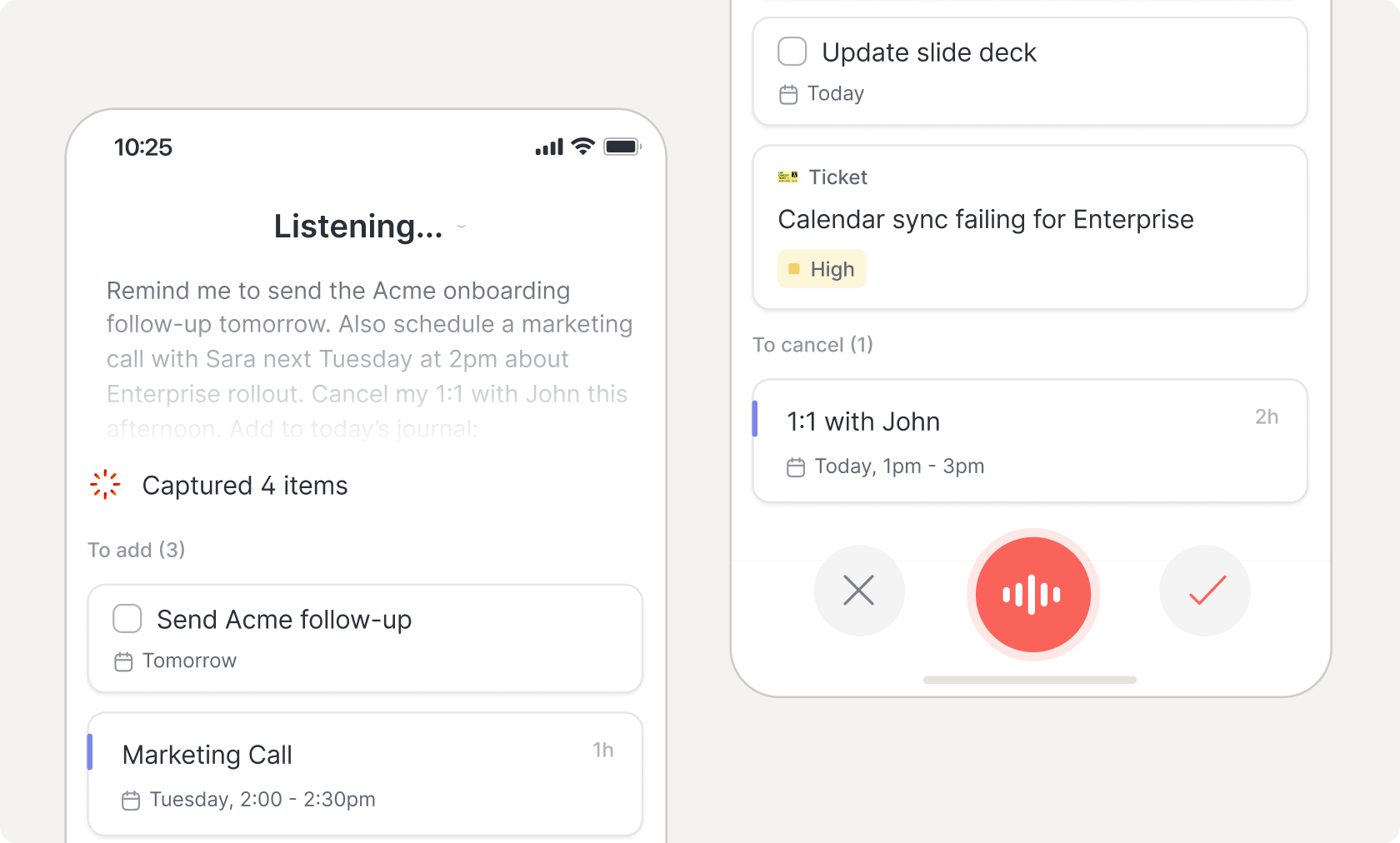
Automatically transcribe and summarize meetings
AI agents
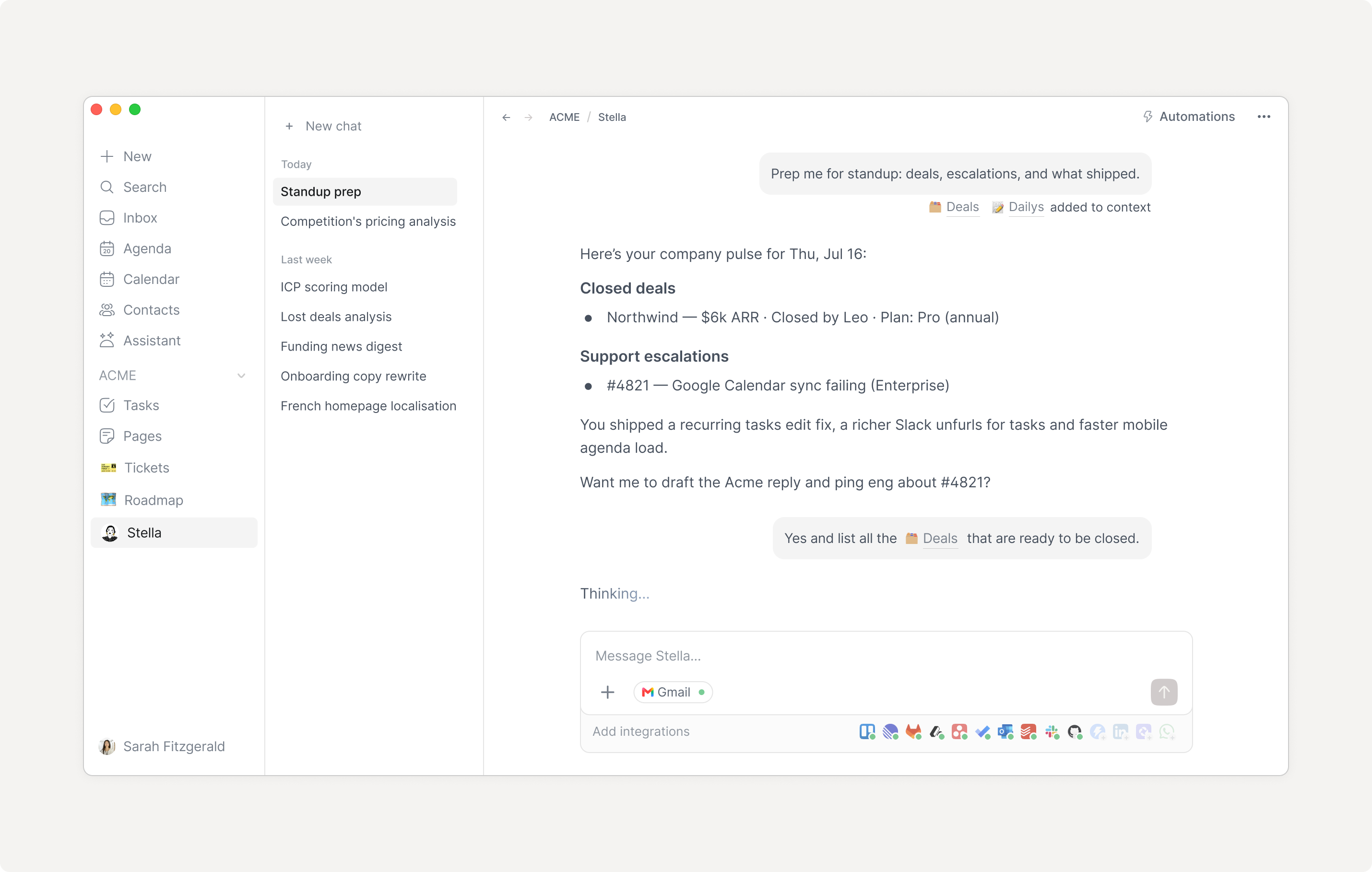
Automate workflows, from researching, structuring data, operating your various integrated services and more.
malapit na
AI assistant soon
AI autofill
Autofill object properties based on the context e.g during capture.
malapit na
Mga pagsasama
Connections
The number of integrations you can set up per organization.
Mga Tagabigay ng Serbisyo
Mga pagsasama
The services (Slack, Dropbox, Gmail etc.) that you can connect to Routine through integrations.
Lahat
Lahat
Lahat
Lahat
Pampublikong API
For developers to build on top of Routine by leveraging its API.
malapit na
Mga Webhook
Triggers HTTP Webhooks for developers to implement services that react to events occurring in Routine.
malapit na
Estado
Offline
Work the same way with or without an Internet connection.
Synchronization
Automatically synchronize all your devices, no matter their platform (macOS, Windows, iOS, Android, Web & Linux).
Kasaysayan
Explore your edit history and restore past versions up to a certain point in time.
malapit na
7 araw
30 araw
90 araw
I-undo/i-redo
Quickly undo or redo your recent changes.
malapit na
Pag-bersyon
Name versions of your work and restore them anytime.
malapit na
Accessibility
Dashboard
Dashboard
Quickly access key information and capture thoughts, tasks & notes.
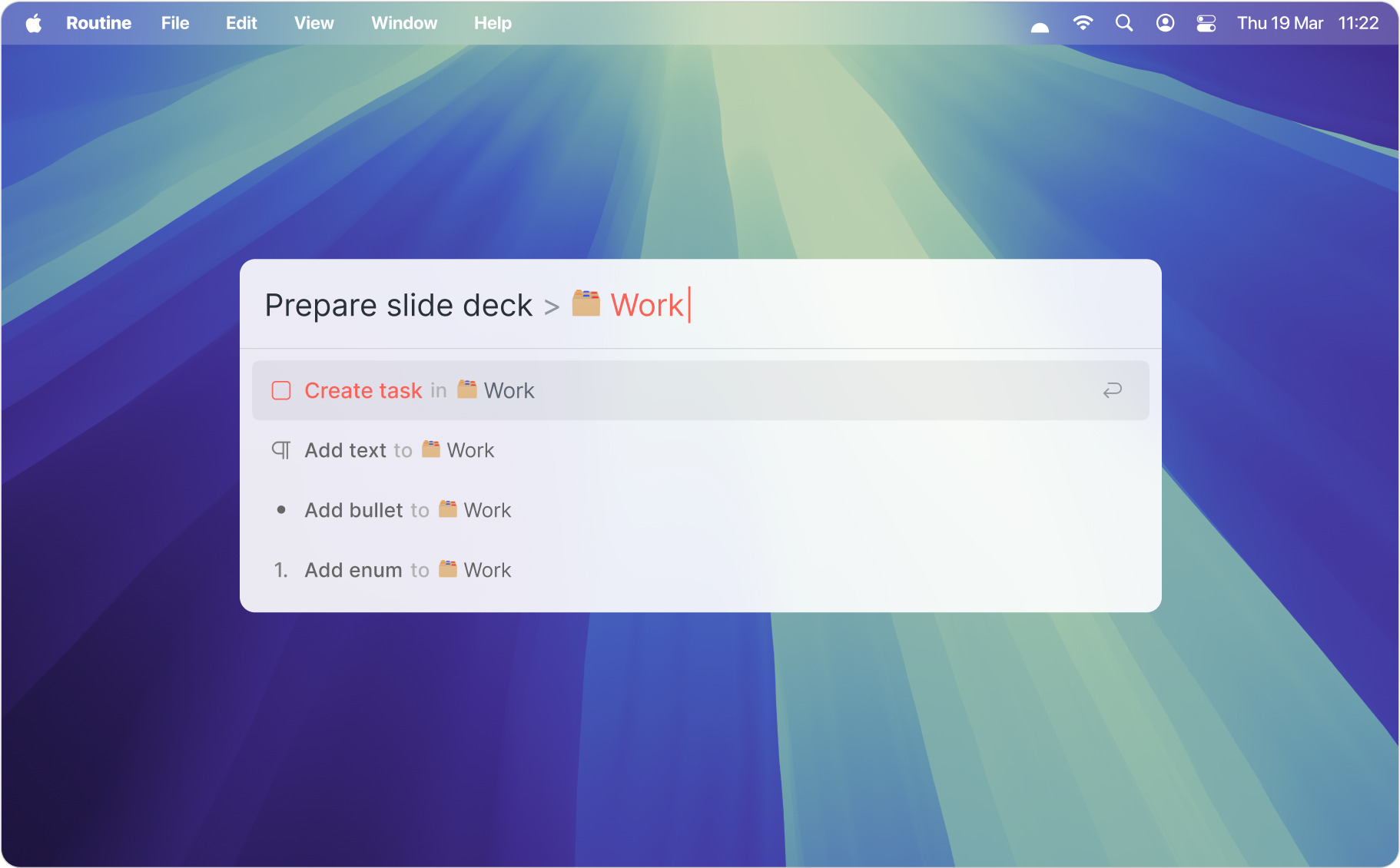
Likas na wika
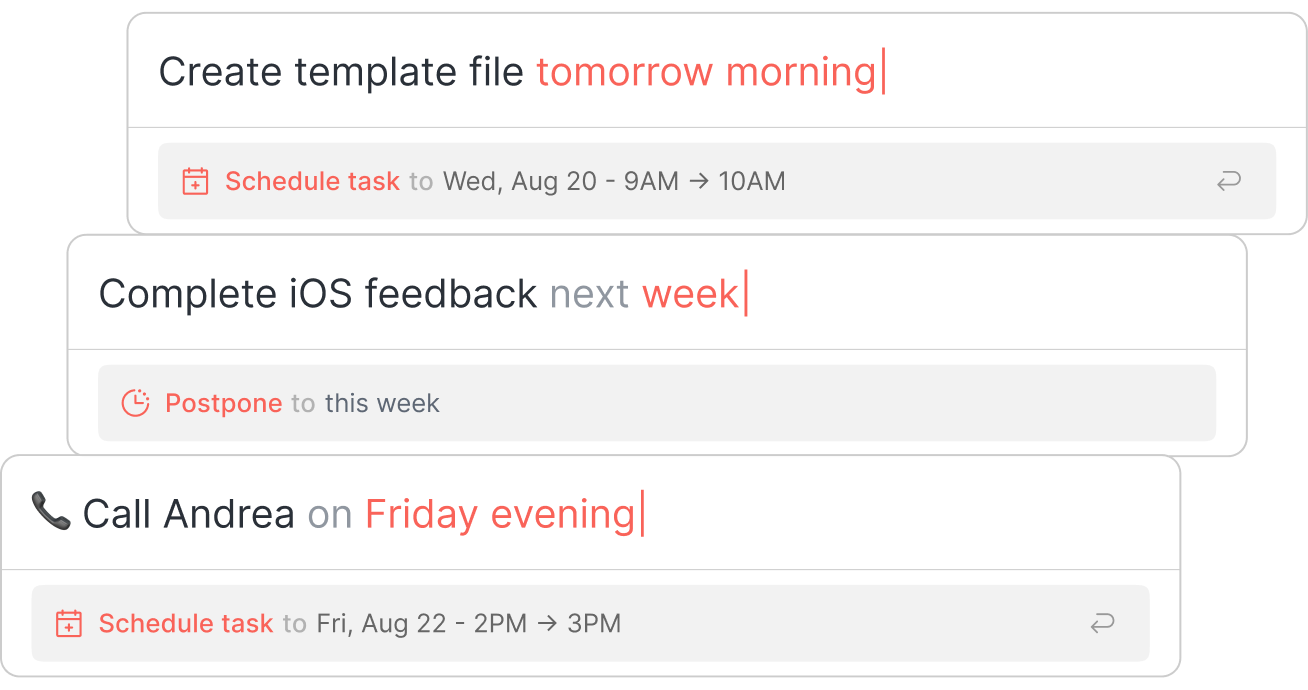
Ipagpaliban ang Iskedyul ng Console
Use natural language to perform operations such as planning a task, scheduling a meeting etc.
I-right click
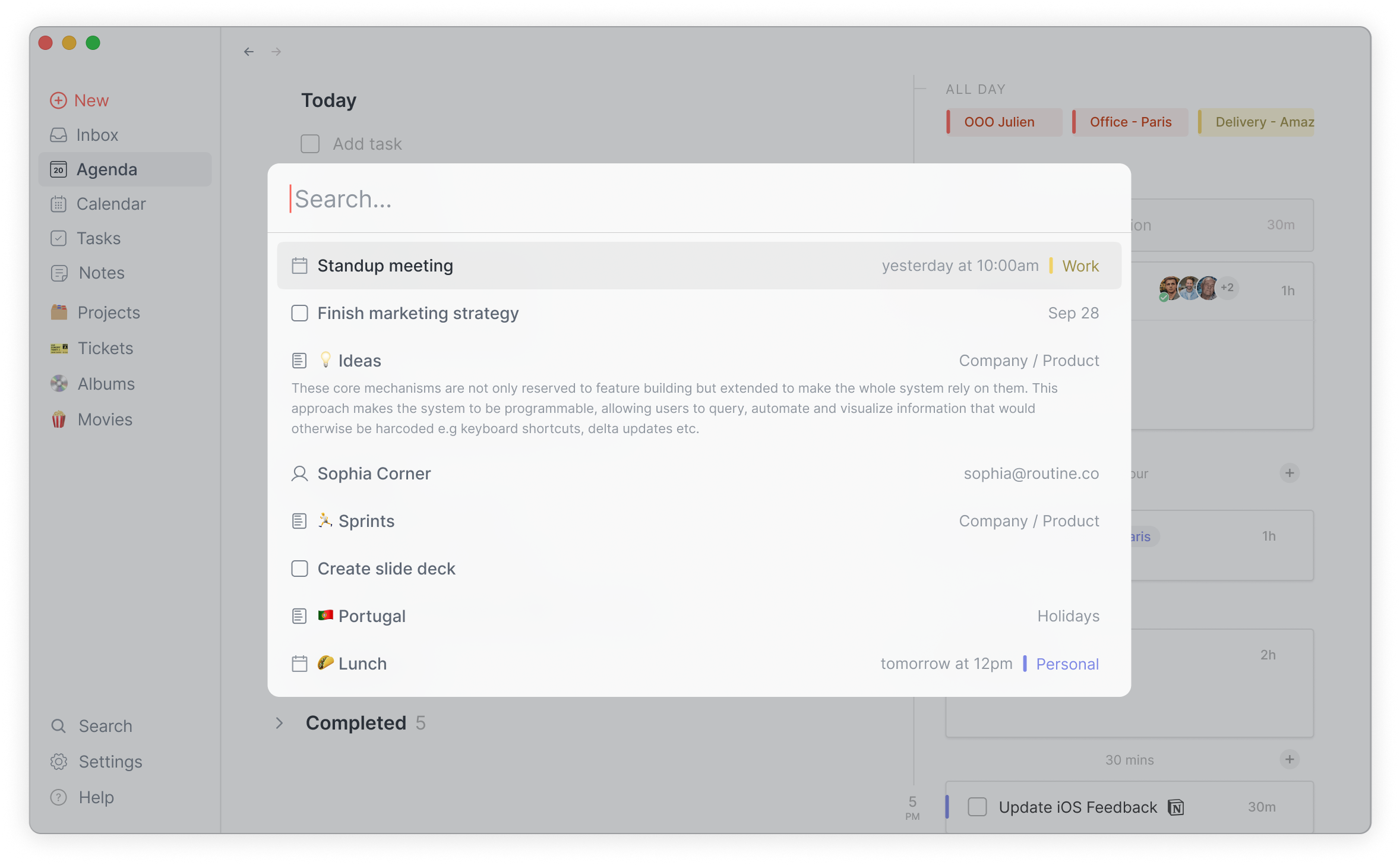
Maghanap
Maghanap sa Global
Search through your knowledge base, from tasks, projects, notes, no matter in which integrated service they live.
Command palette
Operate the app through a keyboard-centric command palette.
malapit na
Media
Mga attachment ng file
5MB
Mga pag-embed ng URL
Pakikipagtulungan
Mga organisasyon
Create organizations and invite members to join to collaborate on projects, knowledge and more.
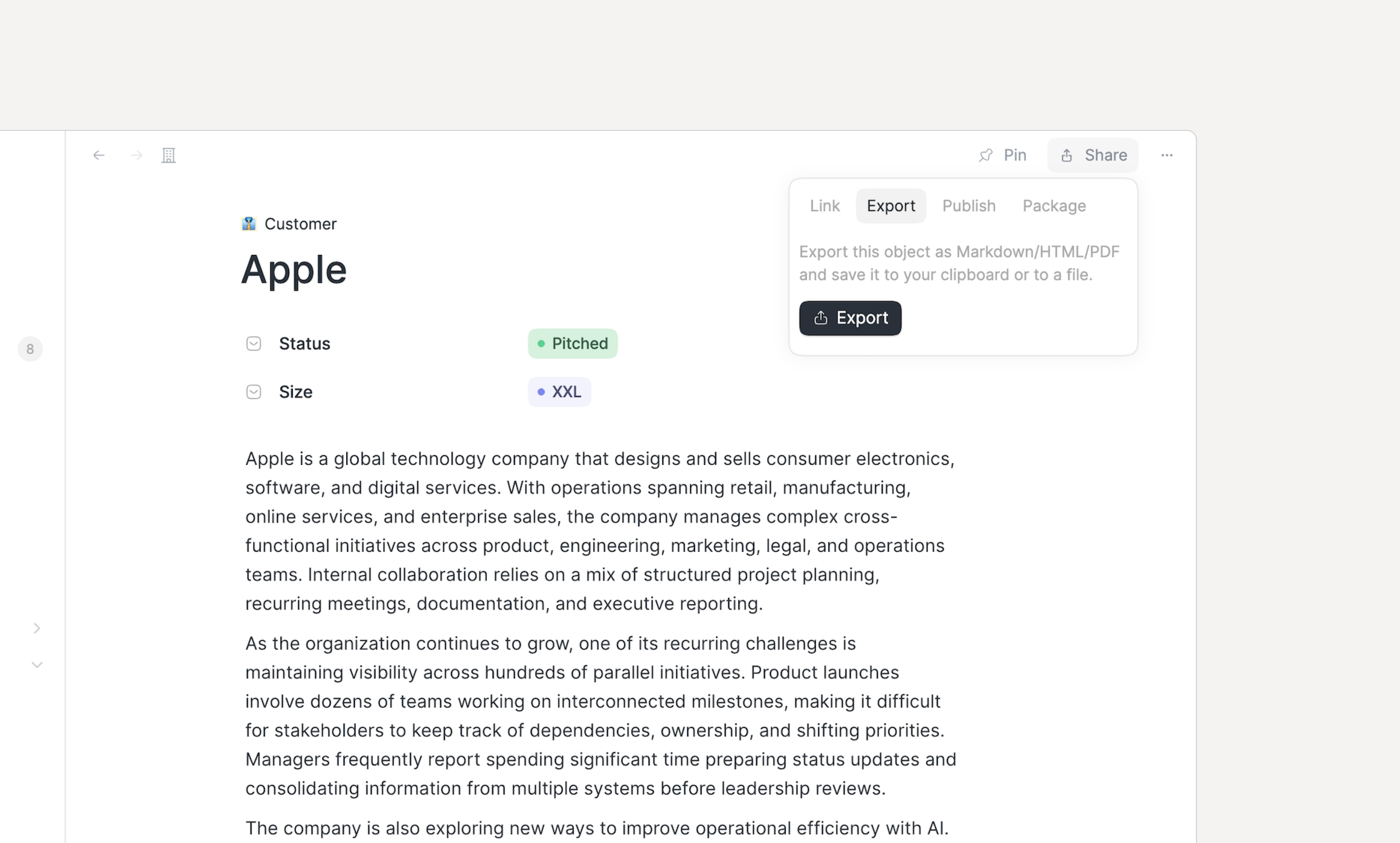
Pampublikong pagbabahagi
Share your documents, objects and databases with the rest of the world.
malapit na
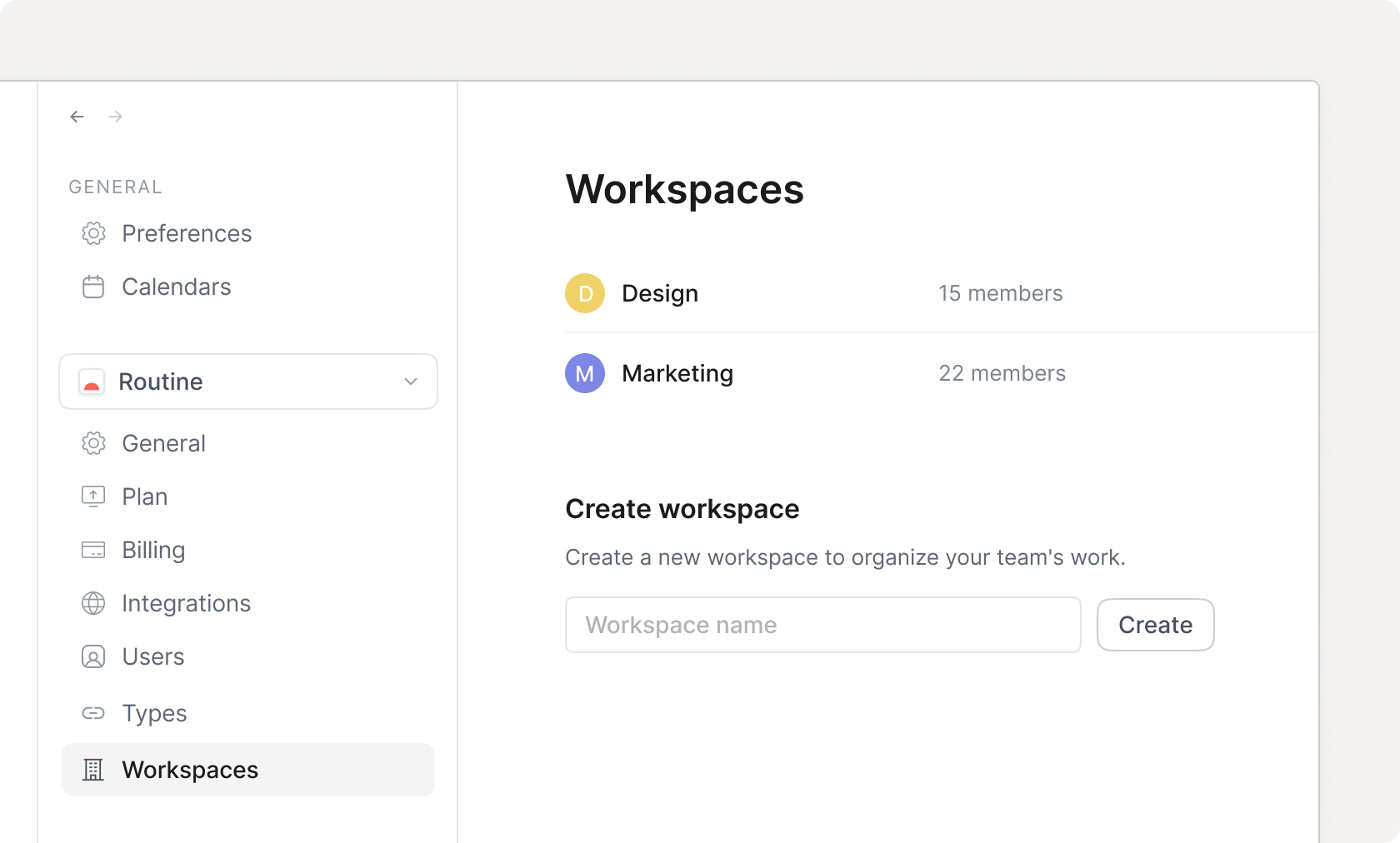
Mga workspace
Home Workspaces
Create and manage access-controlled workspaces to represent logical spaces of work e.g for departments, teams etc.
Mga komento
Discuss with your team on any item in your workspace.
malapit na
Custom domain soon
Seguridad
Pag-encrypt
Data is secured through the military-grade 256-bit AES and SSL/TLS encryption algorithms and protocols.
Single Sign-On (SSO)
Access control soon
Mga grupo
Advanced
Analytics soon
Two-Factor Authentication (2FA) soon
Audit logs soon
Pagsunod
Access HIPAA protection for your data.
malapit na
Data retention settings soon
Paglalaan ng user
Automate user identity provisioning and lifecycle management i.e SCIM.
malapit na
Tulong
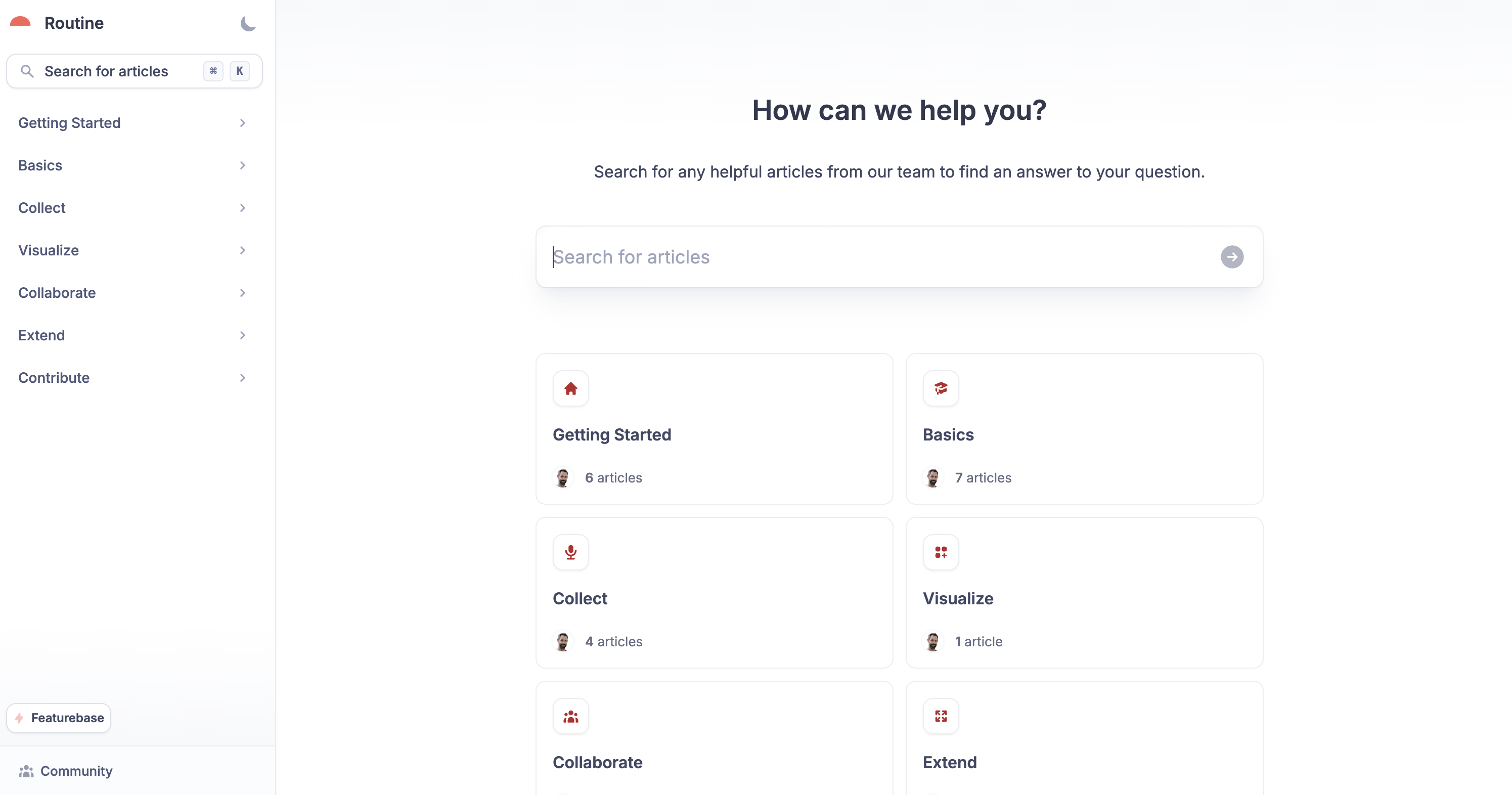
Batayan ng kaalaman
Help center
Learn how to use Routine through the knowledge base.
Suporta
Komunidad
Priyoridad
Priyoridad
Dedicated
Success manager soon
Mga Plugin
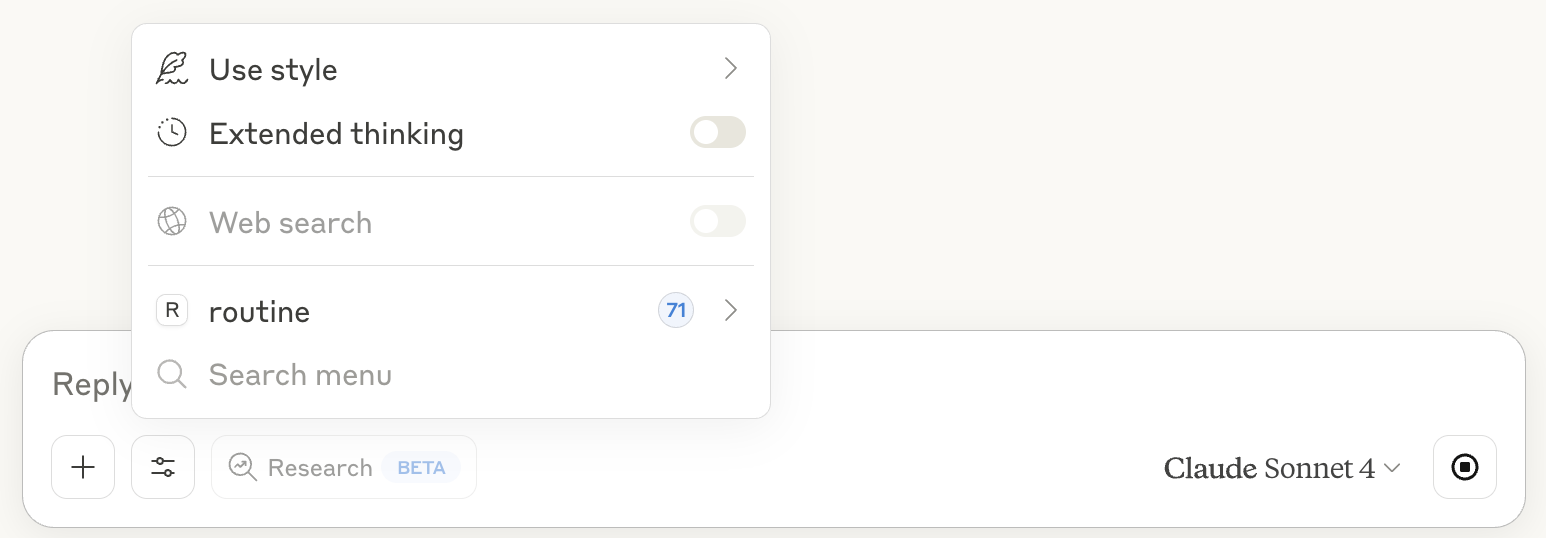
Model Context Protocol
Claude prompt input sa Routine MCP
The Model Context Protocol (MCP) allows AI applications (ChatGPT, Claude etc.) to communicate with Routine.
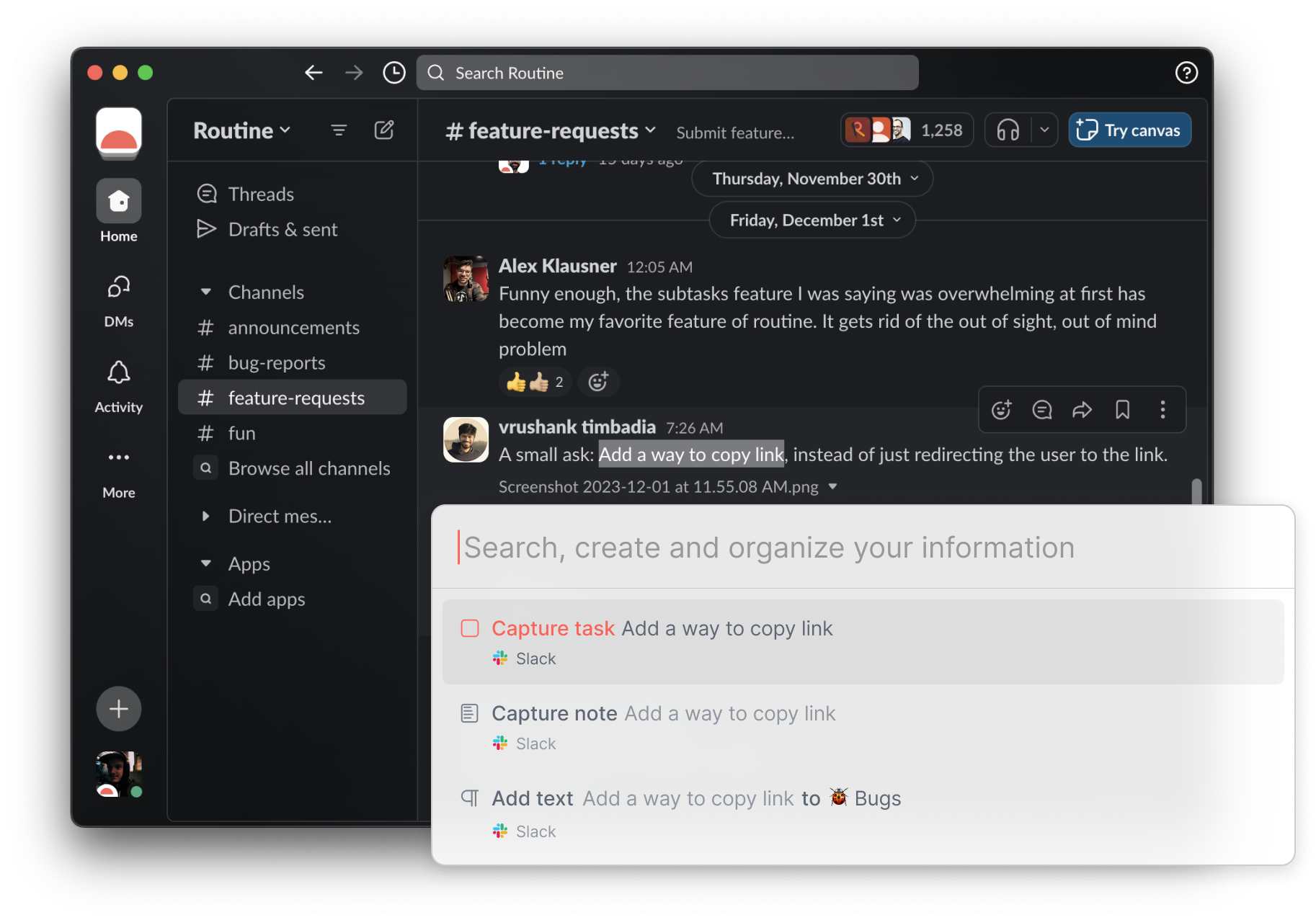
Kontekswal na pagkuha
Contextual Capture Slack
Capture the context of the tasks, notes & more, and easily navigate back to the source.
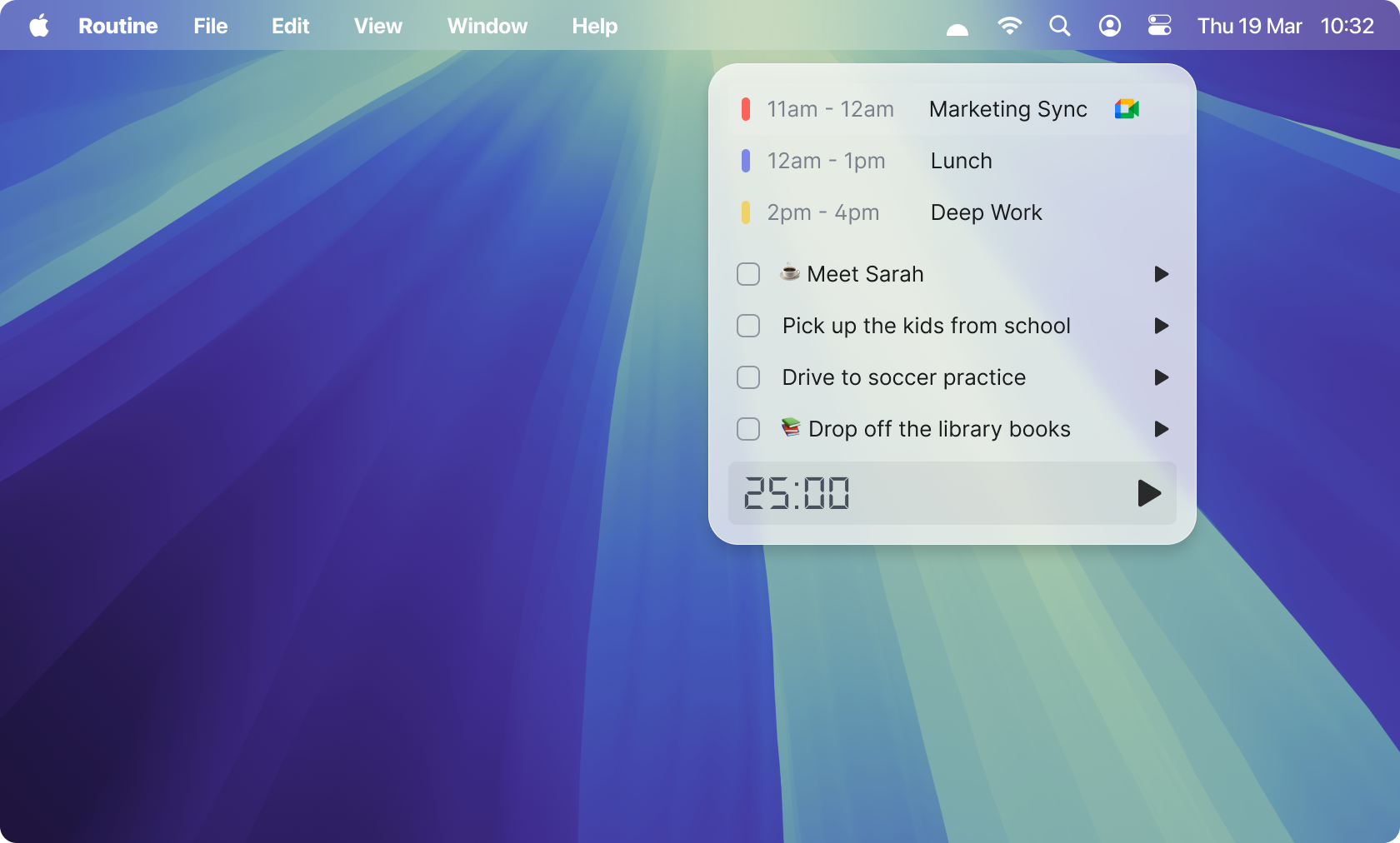
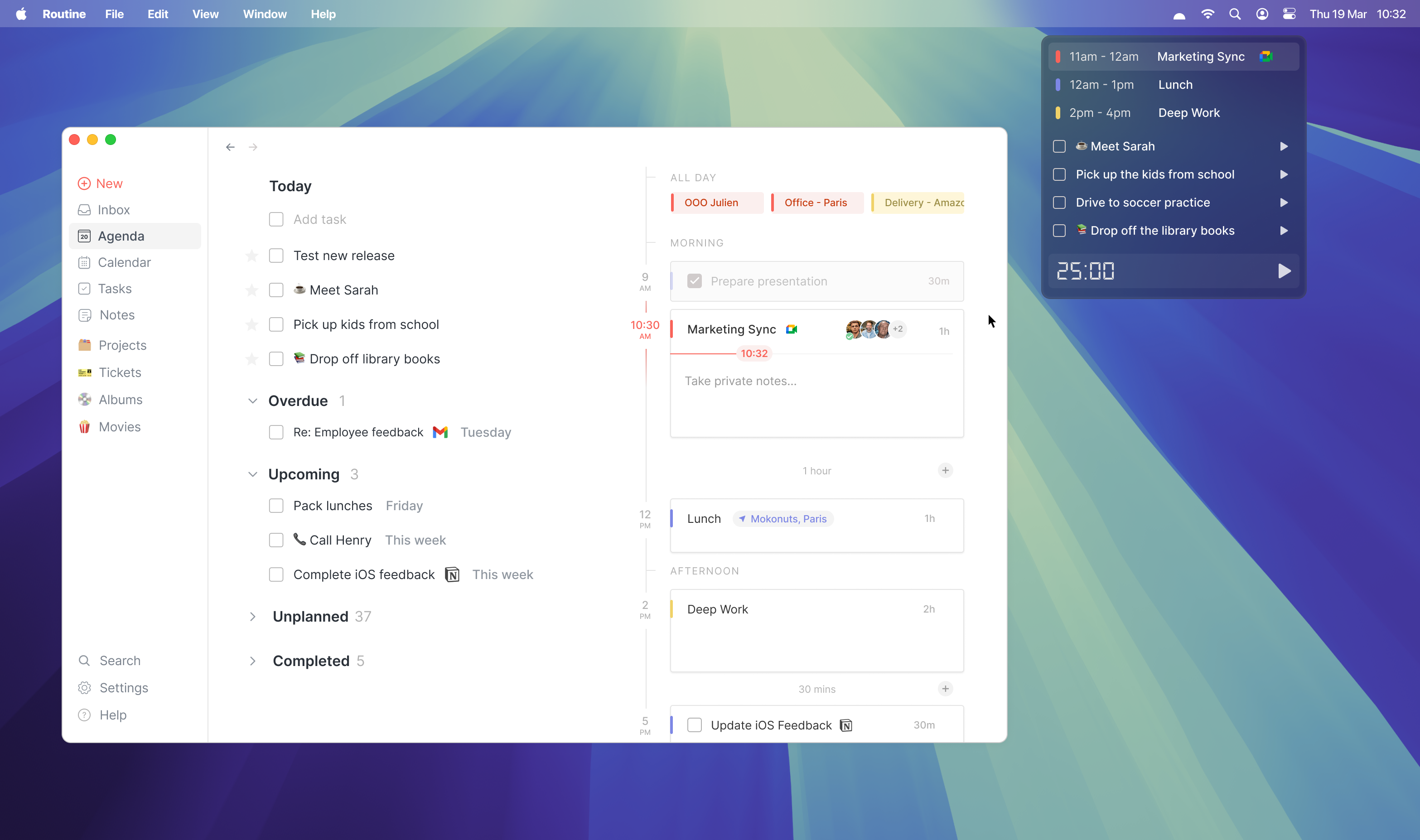
Widget ng menu bar
Dashboard ng Menubar
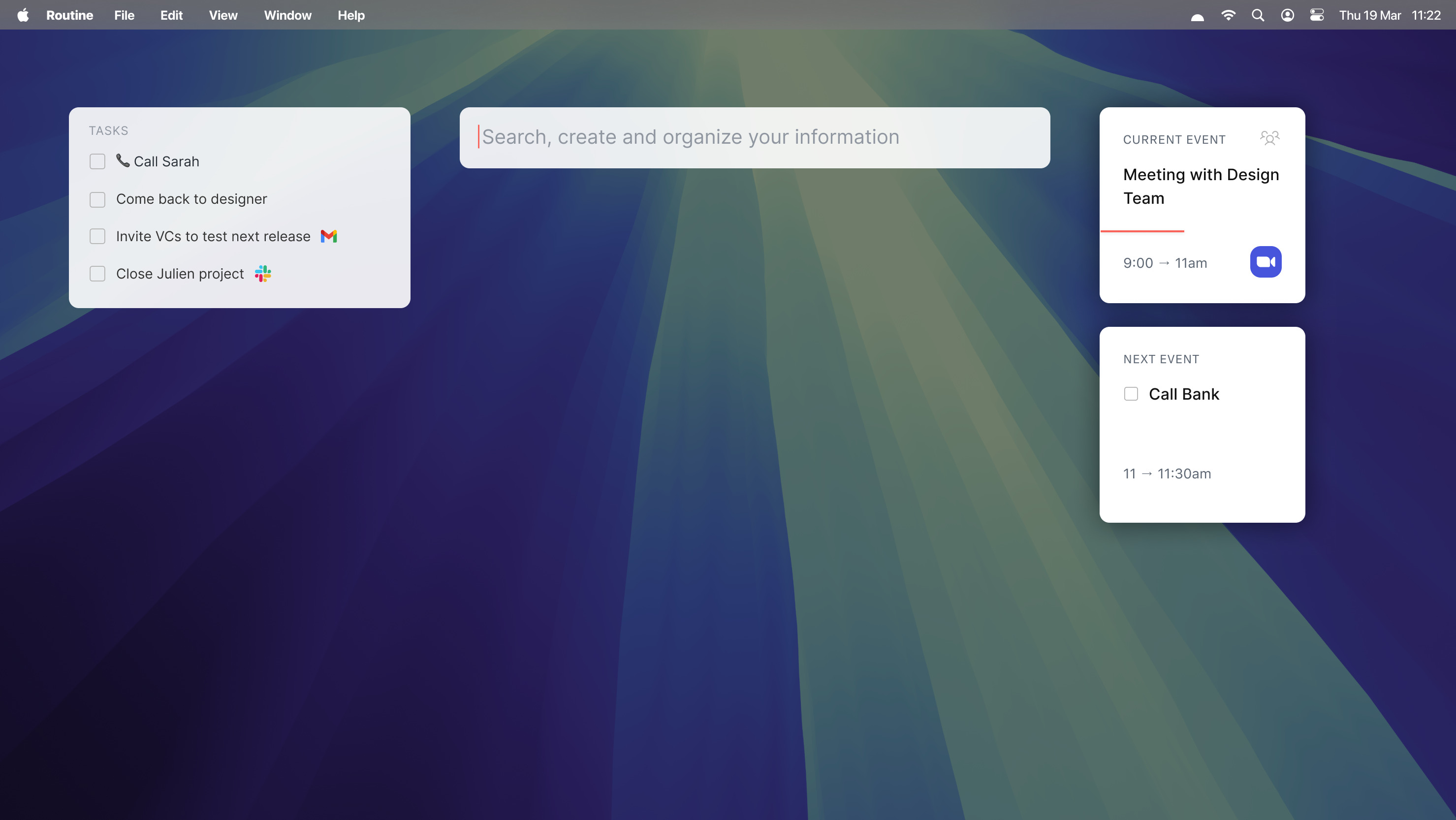
Quickly access your daily information (tasks, events), launch timers and join meetings.
Mga add-on
Firefox soon
Google Chrome soon
Microsoft Edge soon

Mga madalas itanong

Libre ba ang Routine?

Ano ang mga tinatanggap na paraan ng pagbabayad?

Ano ang mangyayari kung mabigo ang aking pagbabayad eg ang aking credit card ay mag-expire?

Bakit ko babayaran ang Routine?

Karaniwang Simbolo

Subukan ang Routine ngayon

Magsimula